Your business
Receipt
No. REC-2026-001
| Description | Qty | Unit price | Amount |
|---|---|---|---|
| Add a line to get started. | |||
Subtotal$0.00
Total$0.00
Enter the payer, what for and how much: the receipt shows “Paid” with the amount and the payment date. Add the payment method, your logo and your signature, then download the PDF or send a link. It takes the same few fields as an invoice, without a due date.
No sign-up · No watermark · Your data stays on your device
Your browser is blocking storage (private browsing?): this document will not be kept if you close the page. Download it before leaving.
This browser's storage is full: the document stays on screen but is no longer saved. Remove an image or delete old documents.
This document link is invalid or incomplete. Ask the sender to send it again.
Line deleted.
Total$0.00
| Description | Qty | Unit price | Amount |
|---|---|---|---|
| Add a line to get started. | |||
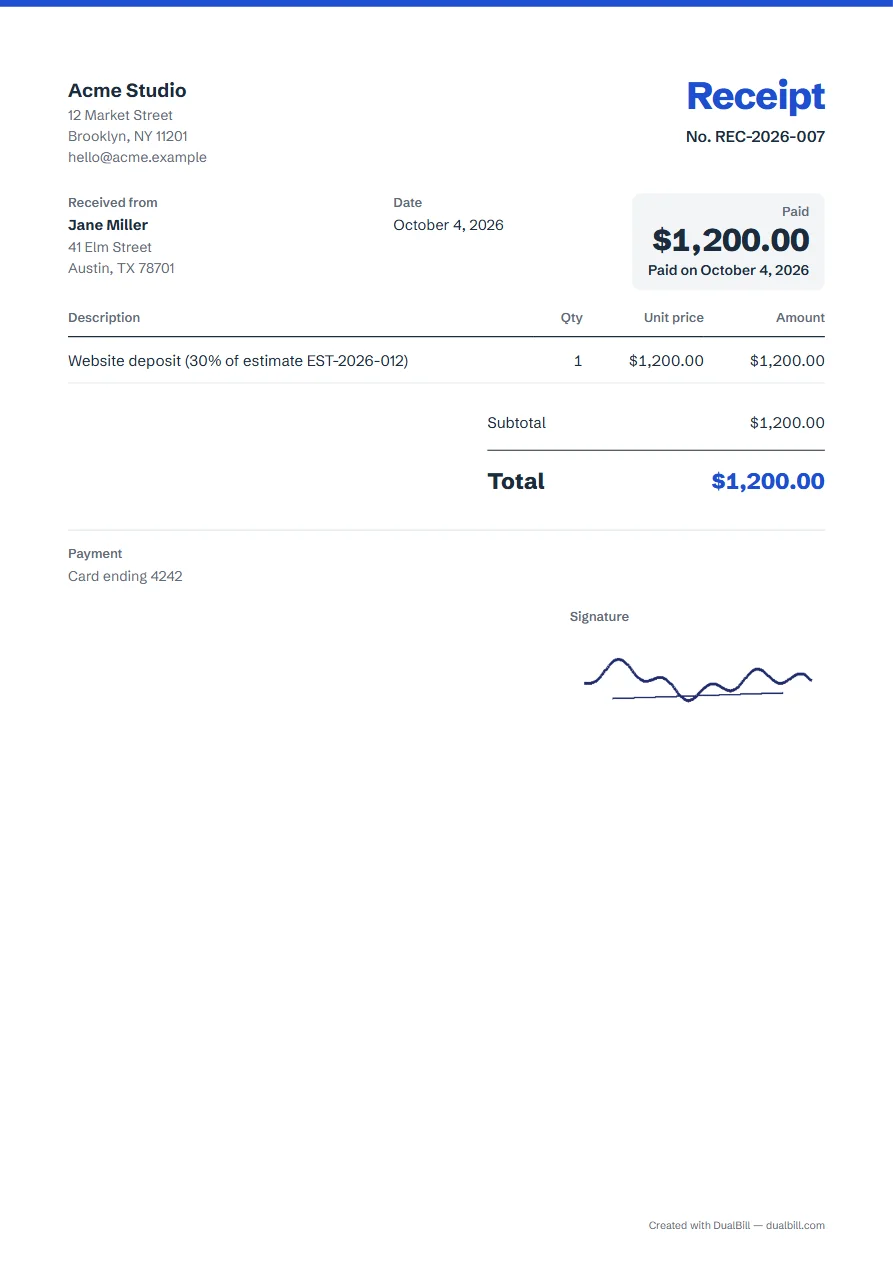
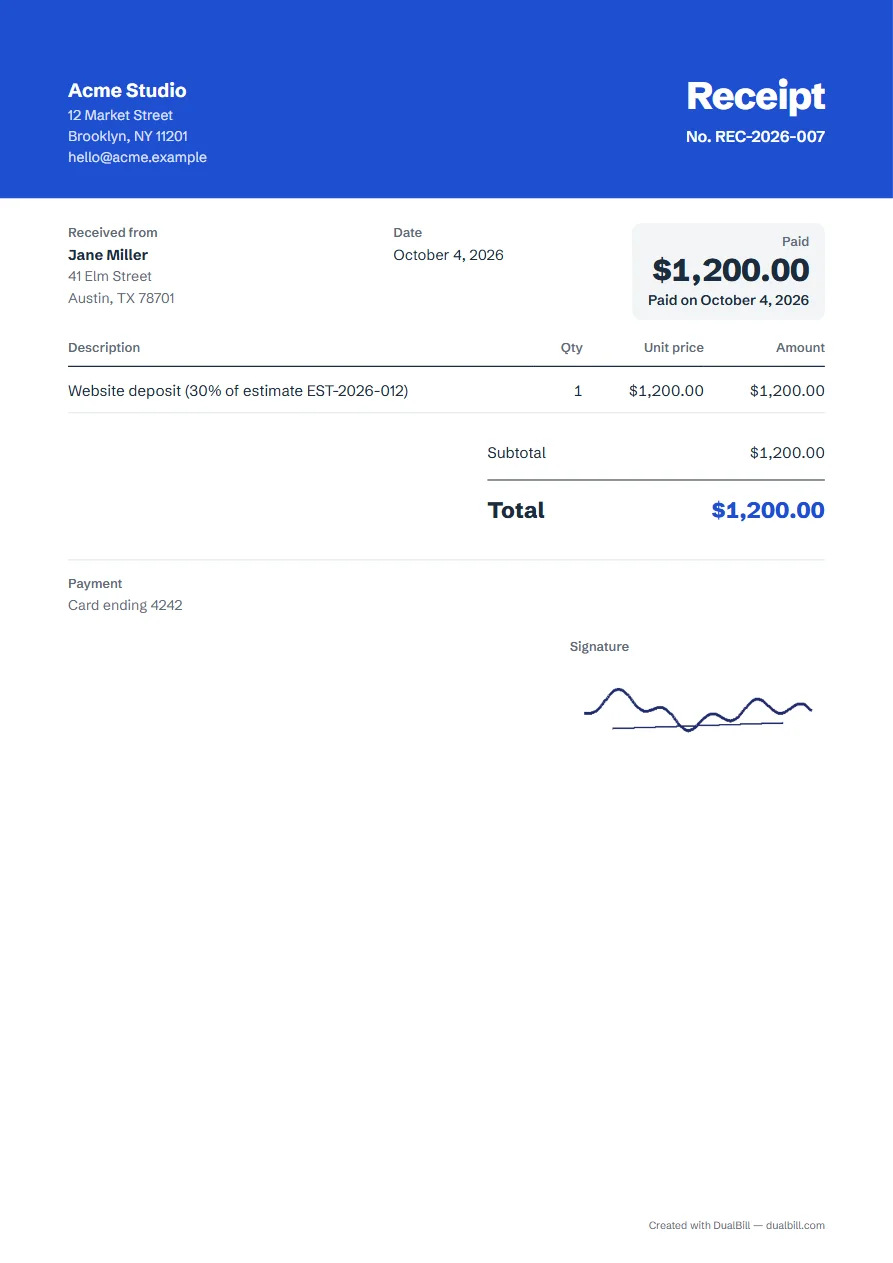
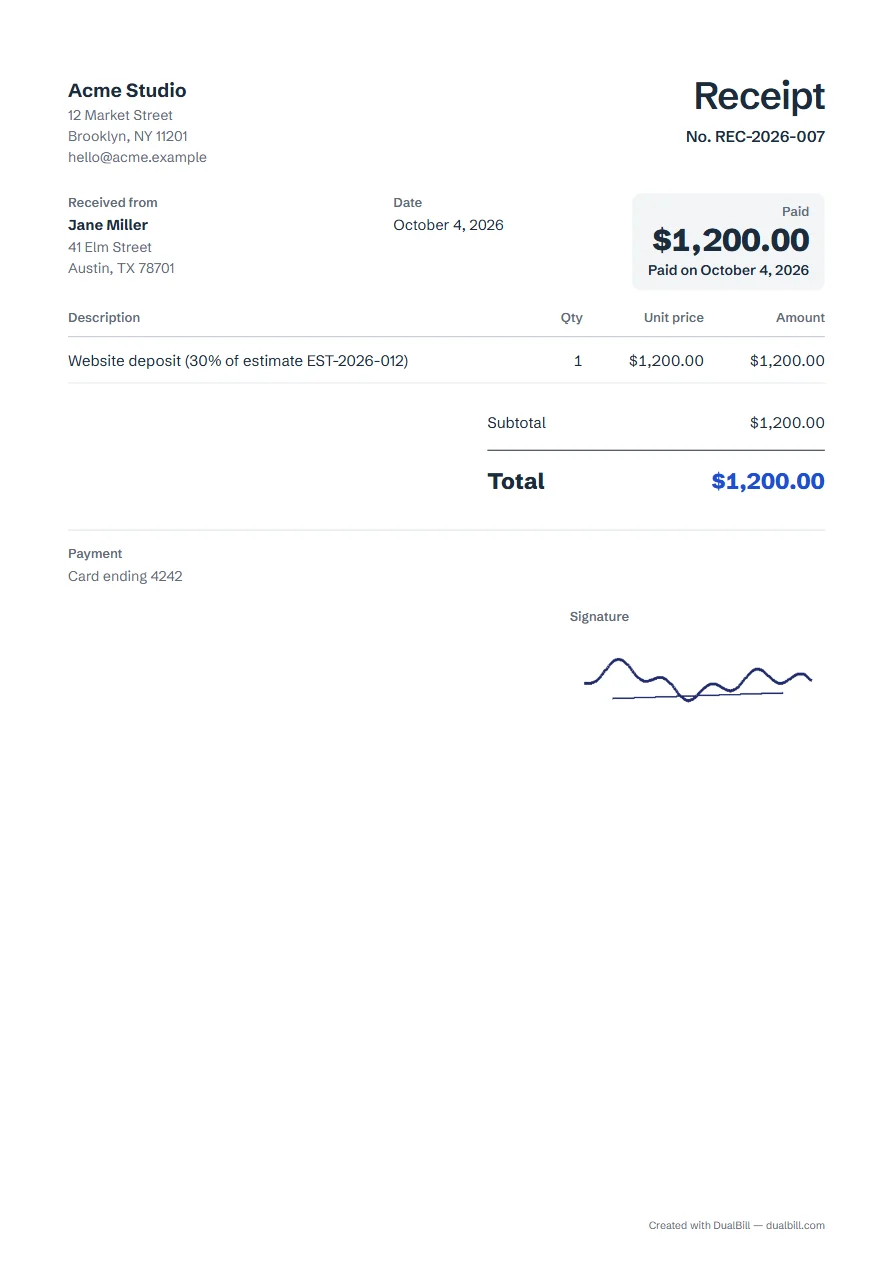
A receipt confirms a payment: from whom, how much, when and for what. At the top right, a “Paid” box repeats the amount with “Paid on” and the document date, so set the date to the payment day.
The client appears under “Received from”. It has no due date and no payment link, since nothing is left to pay. Receipts get their own number series, separate from your invoices: REC-2026-001, then REC-2026-002. For a tenant, the rent receipt maker adds the rental period and the property address.
Under “Payment and notes”, write how you were paid in “Payment details”: cash, check no. 1042, card ending 4242, bank transfer on 4 October… It prints on the receipt.
Need the amount in words, as on a check? Tick “Write the total in words” under “Tax, discount, shipping, deposit”.
Add your logo under “Your IDs and logo”. Under “Stamp and signature”, upload a stamp or draw your signature with a finger or a mouse; a white background in a photo can be made transparent. Images stay on this device: they are in the PDF, never in a shared link.
When a client pays a deposit on an estimate, give them one for that amount. On the final invoice, enter the deposit in “Already paid (deposit)” and the invoice shows the balance due.
“Share” gives you a link to copy, or to send through WhatsApp or by email; on devices that allow it, “Share the PDF” sends the file itself. Whoever receives the link opens it in a browser, with no app to install, and can download the PDF.
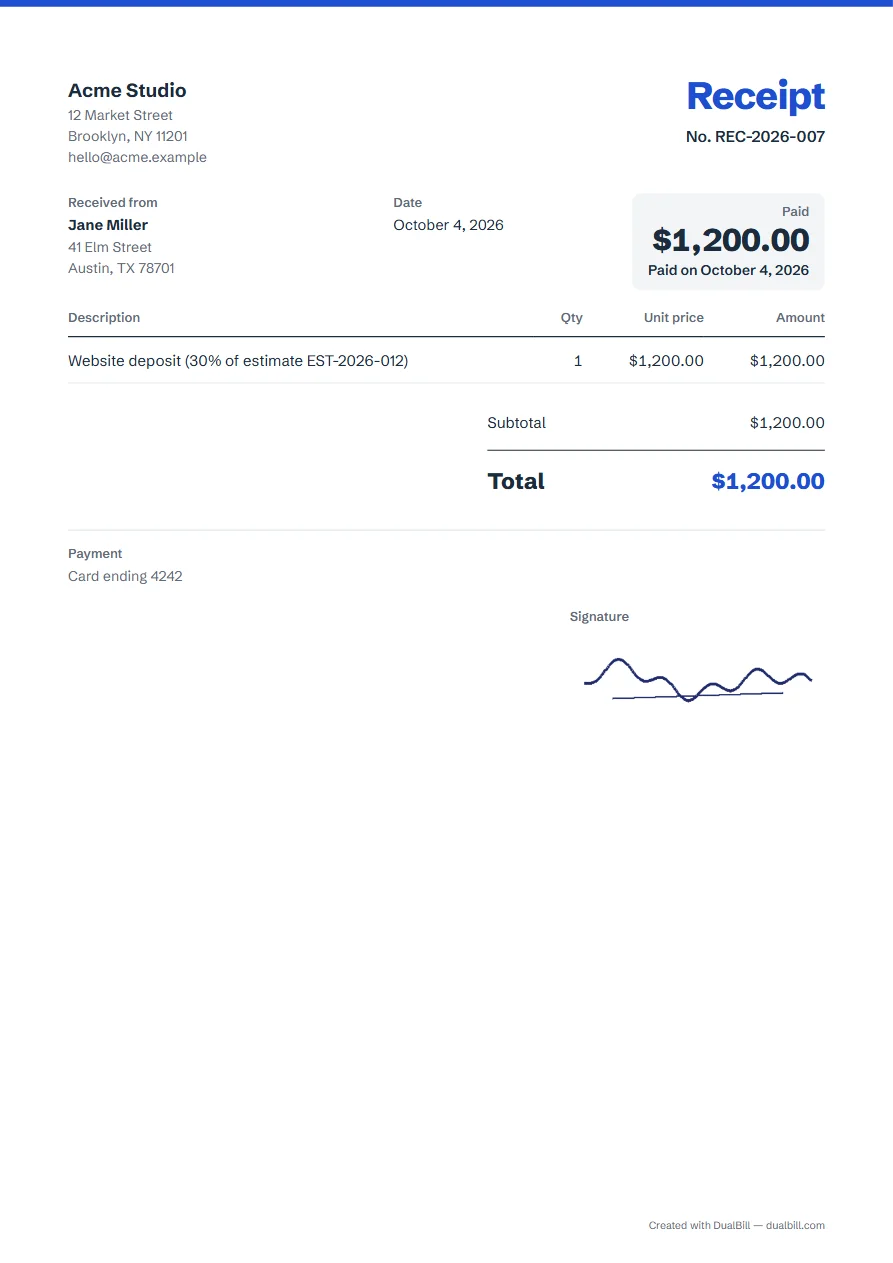
An invoice describes a sale and what is owed; a receipt confirms a payment already made. Here, a receipt shows “Paid” and no due date, while an invoice shows the amount due and its due date. You send the invoice first; when the client pays, you give a receipt for that payment, and the invoice itself does not change.
Yes. Write “Cash” in “Payment details”, under “Payment and notes”, and set the date to the day you were paid. For a US receipt, “Insert a payment template” also offers “Cash”. Tick “Write the total in words” to repeat the amount, and sign under “Stamp and signature”.
Yes. Enter only the amount received in the lines, for example “30% deposit on estimate EST-2026-004”.
Yes. Set the tax rate as on an invoice; the receipt shows the subtotal, the tax and the total.
In this browser only. Each one you download or share goes to “My documents”, and nothing is sent to a server.