Your business
Purchase order
PO number PO-2026-001
| Description | Qty | Unit price | Amount |
|---|---|---|---|
| Add a line to get started. | |||
Subtotal$0.00
Total$0.00
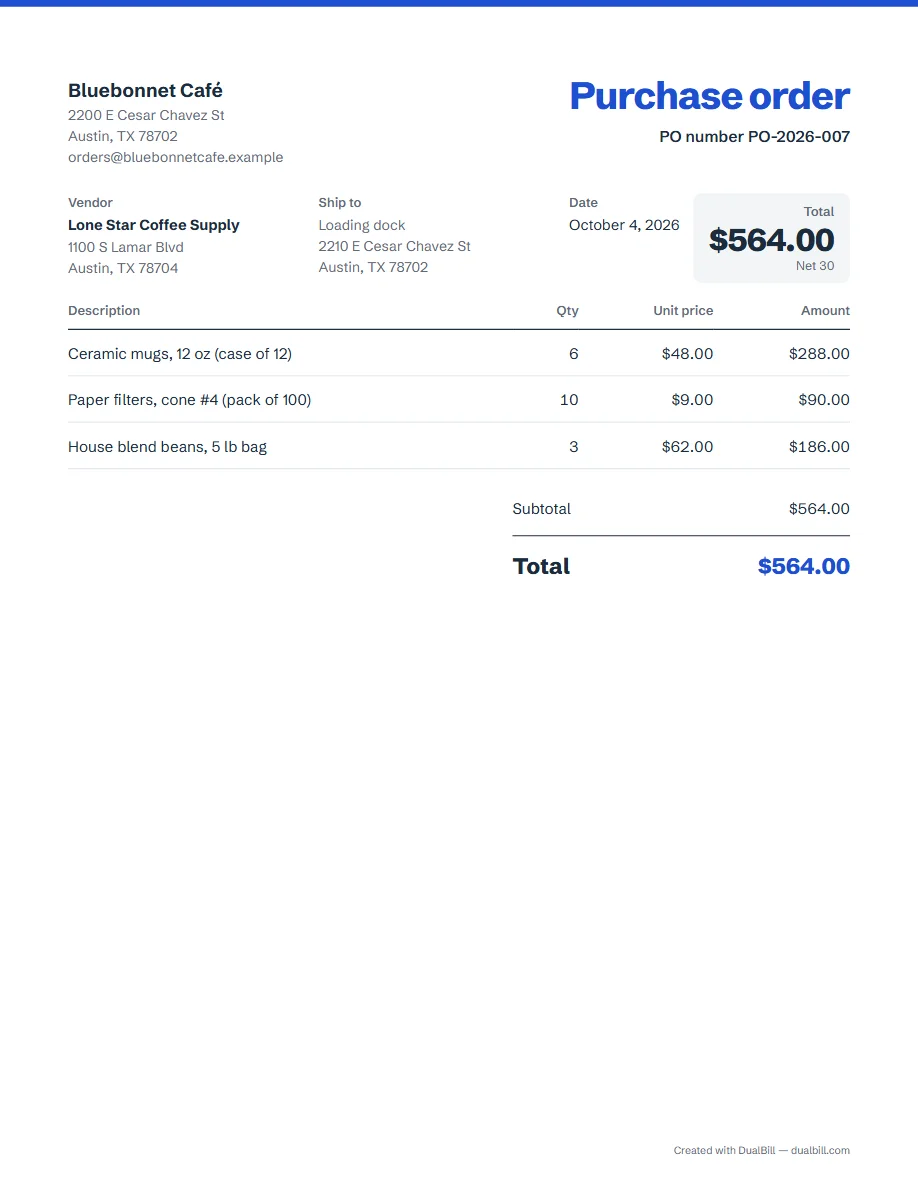
A purchase order is what a buyer sends a vendor before the goods or services arrive: what you order, at what price, where to deliver and on what terms. The generator on this page is set up for a US purchase order: fill in the vendor, the lines and the ship-to address, then download the PDF or share a link.
No sign-up · No watermark · Your data stays on your device
Your browser is blocking storage (private browsing?): this document will not be kept if you close the page. Download it before leaving.
This browser's storage is full: the document stays on screen but is no longer saved. Remove an image or delete old documents.
This document link is invalid or incomplete. Ask the sender to send it again.
Line deleted.
Total$0.00
| Description | Qty | Unit price | Amount |
|---|---|---|---|
| Add a line to get started. | |||
On an invoice, you are the seller; on a PO, you are the buyer. Your business goes in “Your details”, and the supplier goes where a client would usually be: the document prints it as “Vendor”. Many businesses send one before confirming a deal, so both sides agree in writing on the items, the prices and the dates.
Common practice, not a legal checklist: the buyer and the vendor, a PO number, the date, the items with quantities and prices, the total, the delivery address and the payment terms. We found no federal rule on the contents of a PO, so the generator adds no wording presented as required, and its checker only gives tips.
They get their own series, PO-2026-001, then PO-2026-002, printed next to “PO number”. Choose the “Payment terms”, for example Net 30: the document shows the total ordered with those terms, and no payment button, since nothing is owed to you.
Tick “Ship to a different address” when the goods go to a warehouse or a job site rather than your office; the address then prints as “Ship to”, next to the vendor. A note in “Notes” can give the delivery window or the dock hours.
Before you order, a vendor may send you an estimate. Afterwards, the shipment usually comes with a packing slip, then a US invoice, often with your PO number on it. Keep your POs in “My documents” to compare them when the invoice arrives.
No. The buyer sends the purchase order to place an order; the seller sends the invoice to ask for payment, and it often refers to the PO number.
Yes. “Share” creates a link that opens the purchase order in your vendor's browser; nothing goes through our server, and logos are not included in the link.
Yes. When your vendor opens the link you share, “Create invoice from this PO” makes their invoice: their details as the sender, yours as the client, the same lines, and your PO number on it. Your purchase order does not change.