Your business
Receipt
No. REC-2026-001
| Description | Qty | Unit price | Amount |
|---|---|---|---|
| Rent for … (property: …) | 1 | $0.00 | $0.00 |
Subtotal$0.00
Total$0.00
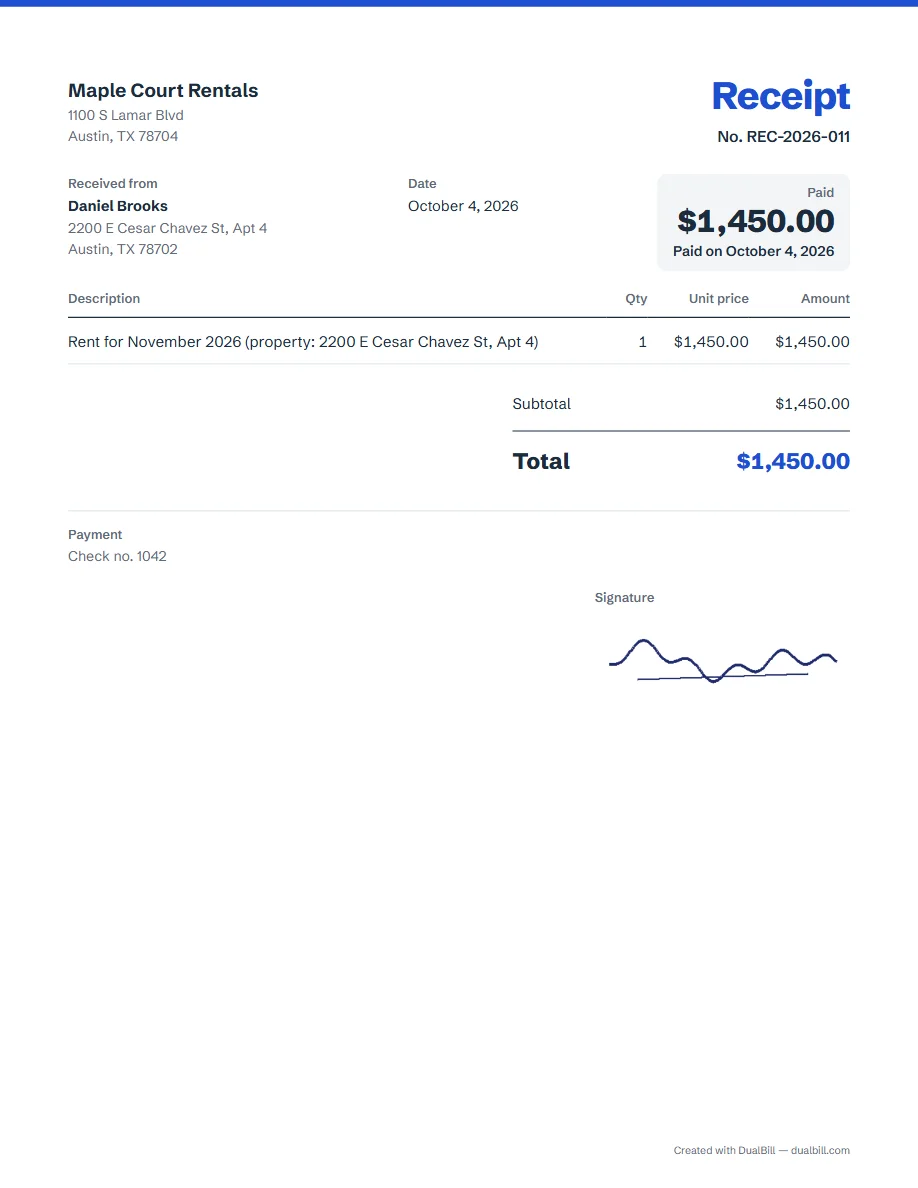
The receipt opens with a rent line to complete: replace the dots with the period, such as November 2026, and the property address, then enter the amount. Add the tenant under “Received from”, set the date to the day you were paid, and download the PDF or send a link.
No sign-up · No watermark · Your data stays on your device
Your browser is blocking storage (private browsing?): this document will not be kept if you close the page. Download it before leaving.
This browser's storage is full: the document stays on screen but is no longer saved. Remove an image or delete old documents.
This document link is invalid or incomplete. Ask the sender to send it again.
Line deleted.
Total$0.00
| Description | Qty | Unit price | Amount |
|---|---|---|---|
| Rent for … (property: …) | 1 | $0.00 | $0.00 |
Your name as the landlord or property manager, the tenant under “Received from”, the rent line with its period and the property address, and the amount. A “Paid” box repeats the amount with the payment date, and there is no due date, since nothing is left to pay.
Each one takes the next number in your series, REC-2026-001, then REC-2026-002, separate from any invoices you send.
Make one receipt each time rent comes in. For a partial payment, enter only the amount received and say so in the line, for example “Rent for November 2026, partial payment”. A late fee or a deposit can go on a line of its own, with its own description.
Write how the tenant paid in “Payment details”, under “Payment and notes”: cash, check no. 1042, Zelle, or a bank transfer on a given date. “Insert a payment template” adds a ready line for a check, an ACH transfer, Zelle, PayPal, Venmo or cash. To repeat the amount in letters, as on a check, tick “Write the total in words”.
Whether a landlord has to give a receipt, and what it shows, can depend on the state, sometimes the city, and the lease. This page lists no state rule. The generator adapts the fields to the chosen country. Check the obligations that apply to your situation.
Add your signature under “Stamp and signature”. Everything you download or share is saved under “My documents” in this browser, so last month's is easy to find again. For other payments, such as a deposit on a job, use the receipt maker.
Yes. Write the whole period in the line, for example “Rent for October and November 2026”, or add one line per month with its own amount.
Yes. Open “Add details”, then “Languages and currency”, and tick “Add a second language”: every label appears in both languages.
Not by default: this page sets no tax rate. If a charge is taxed, set the rate under “Tax, discount, shipping, deposit”.